Step-by-step tutorial
Set up your team and account
Configure account identity, team access, and subscription settings.
For workspace owners and administrators · 4 lessons
Start tutorial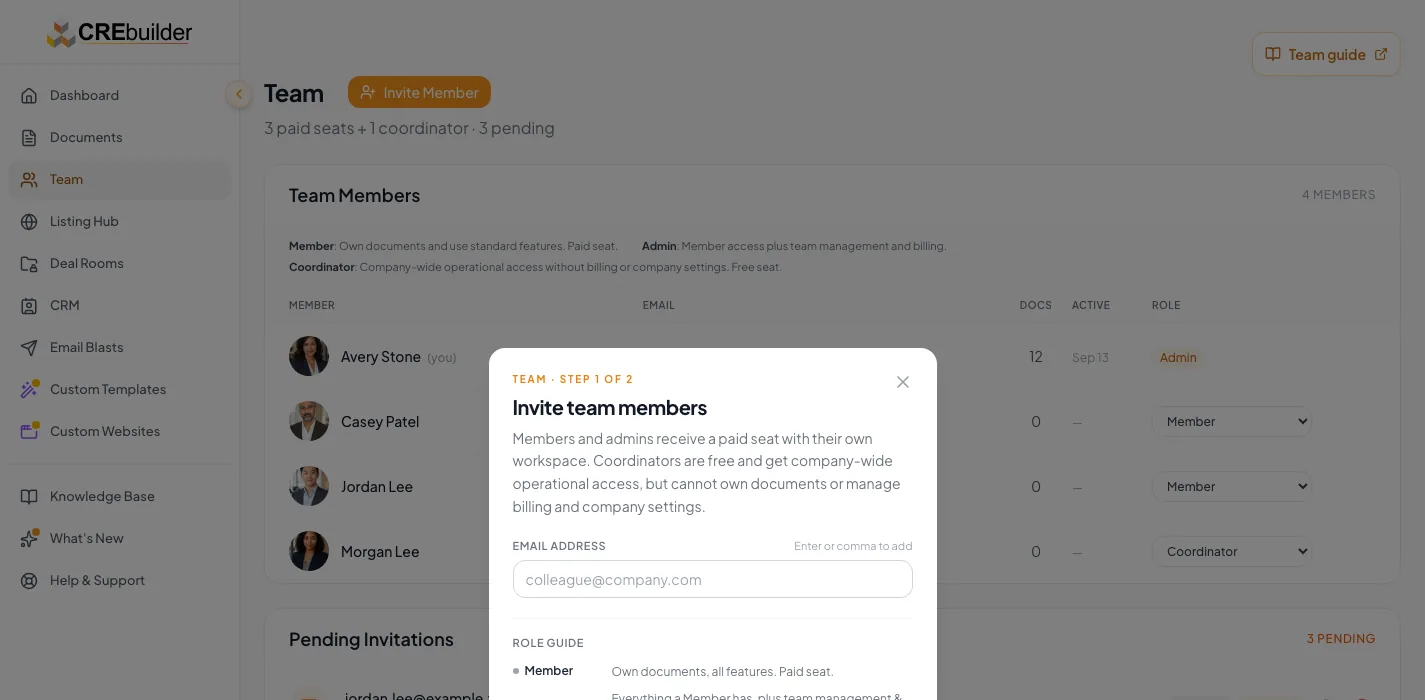
Before you start
- Access to your account settings.
- The required team administration permissions for team or billing changes.
Your lessons
Work through the lessons in order. Skip an optional lesson when it doesn't apply to your property.
Complete profile and branding
RequiredSet the reusable information applied to new work.
Read guide15 to 30 minutesReview NDA and access behavior
RequiredUnderstand company-level NDA questions, access controls, and property-specific choices.
Read guide15 to 25 minutes plus a visitor testVerify subscription access
RequiredConfirm billing status and available seats.
Read guide10 to 25 minutes
Your next OM, done this afternoon
Turn your property facts, photos and financials into a polished, branded offering memorandum. Most brokers finish in 30 to 90 minutes.
No credit card required.