Step-by-step tutorial
Publish a listing and open a Deal Room
Publish a property and verify the intended public and confidential access.
For listing and transaction teams · 4 lessons
Start tutorial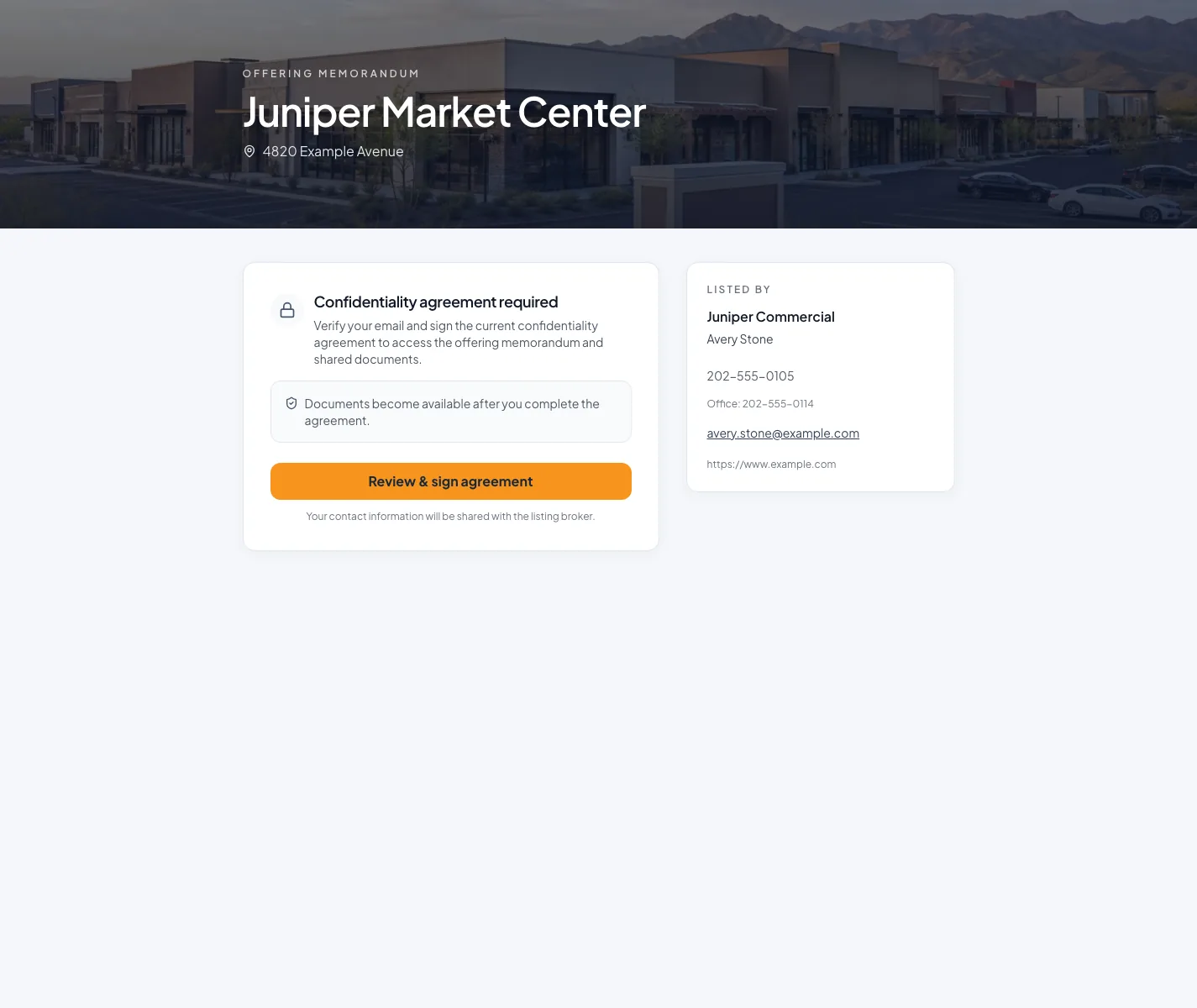
Before you start
- A reviewed property document.
- Approved public listing content and diligence files.
Your lessons
Work through the lessons in order. Skip an optional lesson when it doesn't apply to your property.
Publish the listing
RequiredKeep Listed, public visibility, and Sync controls distinct.
Read guide10 to 20 minutes plus network processingCreate the Deal Room
RequiredChoose the least restrictive access that protects the files.
Read guide10 to 20 minutesAdd files and NDA signers
RequiredUpload diligence files, set up who signs the NDA, and check watermarks before you share.
Read guide15 to 40 minutes
Your next OM, done this afternoon
Turn your property facts, photos and financials into a polished, branded offering memorandum. Most brokers finish in 30 to 90 minutes.
No credit card required.