Step-by-step tutorial
Create your first Email Blast
Prepare a property campaign and confirm its sending or download result.
For marketing and brokerage users · 9 lessons (2 shared required)
Start tutorial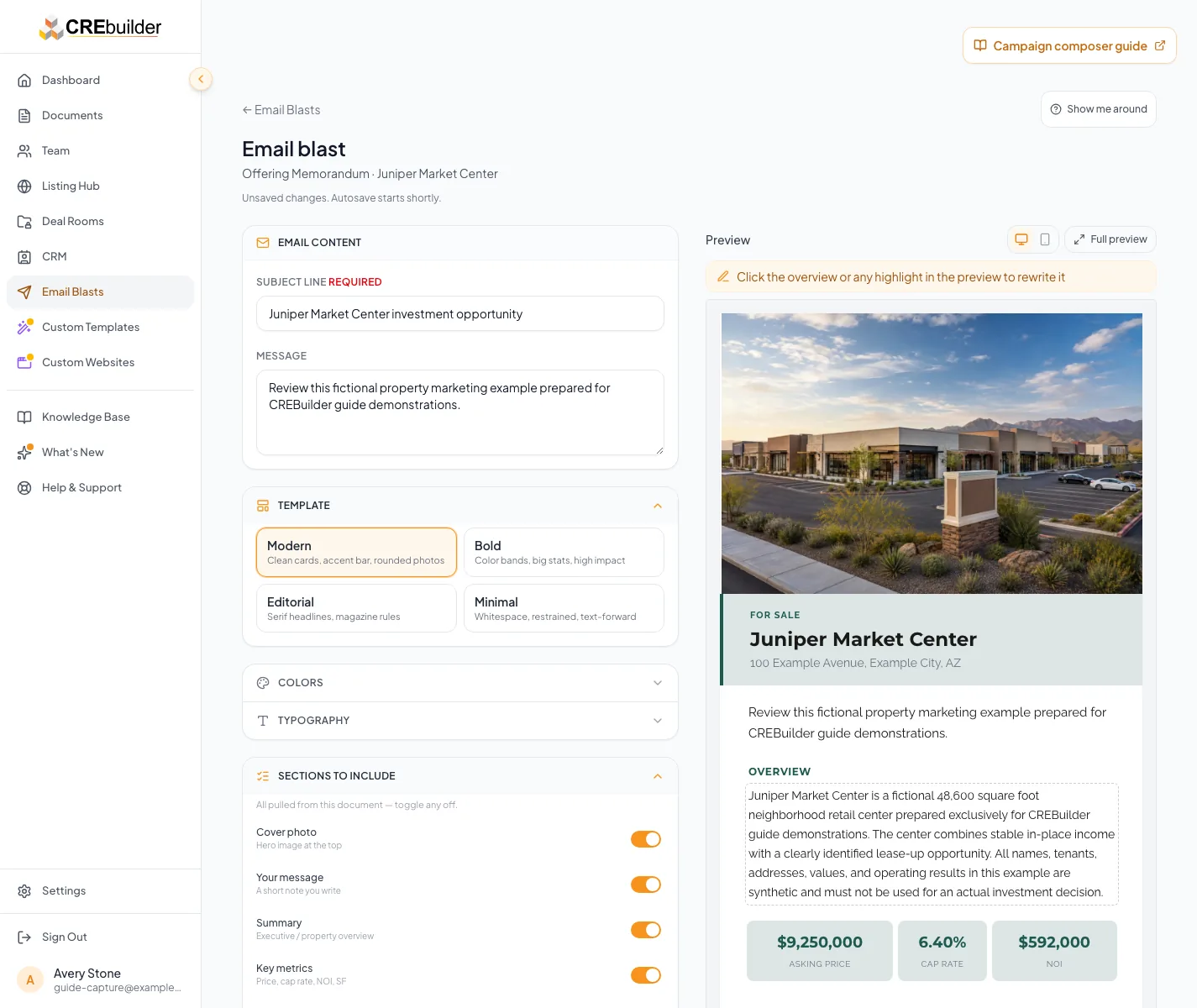
Before you start
- Access to Email Blasts and an existing property document.
- For CREBuilder Mail: an audience you are authorized to contact and company sending approval.
- For Download HTML: access to the external campaign platform you will use for delivery.
Your lessons
Open a lesson to follow the full guide. Follow one option in each choice group and include optional lessons only when their condition applies.
Required lessons
These lessons apply to either path. Use the original lesson numbers to complete your selected path in order.
Understand the Email Blast hub
RequiredChoose hosted delivery or HTML download and review the bounded campaign history.
Read guide5 to 10 minutes before composingBuild the campaign
RequiredChoose the property and compose the correct layout.
Read guide15 to 35 minutes
Choose how to deliver the campaign
Pick one path and follow its lesson numbers in order. CREBuilder Mail: lessons 1 to 8, building the campaign in lesson 5 before you add recipients. Download HTML: lessons 1, 5, and 9, then send from your own email platform.
Send with CREBuilder Mail
Send from CREBuilder. Lessons 2 to 4 get your account ready to send, lesson 5 builds the campaign, and lessons 6 to 8 cover recipients, the final check, and sending.
Follow this pathRequest hosted sending
Path lessonComplete access review and have an authorized signer accept the current agreement.
When to use this lesson: Use this lesson when you choose CREBuilder Mail hosted delivery.
Read guide5 to 10 minutes, plus human review timeVerify Mail readiness
Path lessonComplete the sender and required company readiness checks.
When to use this lesson: Use this lesson when you choose CREBuilder Mail hosted delivery.
Read guide10 to 20 minutes for required setup, plus approval and DNS propagation timeVerify your signature
Path lessonPreview the hosted signature and correct incompatible content.
When to use this lesson: Use this lesson when you choose CREBuilder Mail hosted delivery.
Read guide5 to 15 minutesValidate the audience
Path lessonConfirm consent, deduplication, and suppression.
When to use this lesson: Use this lesson when you choose CREBuilder Mail hosted delivery.
Read guide10 to 30 minutes, depending on audience size and source reviewComplete preflight
Path lessonPreview, test, check allowances, and submit the hosted campaign once.
When to use this lesson: Use this lesson when you choose CREBuilder Mail hosted delivery.
Read guide10 to 20 minutes for final review, plus review time when heldSend and monitor
Path lessonInterpret review, delivery, failure, and unconfirmed states safely.
When to use this lesson: Use this lesson when you choose CREBuilder Mail hosted delivery.
Read guide5 to 15 minutes for routine review, longer for held or reconciled outcomes
Download HTML for another platform
Build the campaign in lesson 5, then download the HTML in lesson 9 and send it from your own email platform.
Follow this pathDownload and verify the HTML
Path lessonDownload the reviewed design, confirm the HTML file, and complete audience and delivery checks in your external platform.
When to use this lesson: Use this lesson when you choose Download HTML and deliver through an external campaign platform.
Your next OM, done this afternoon
Turn your property facts, photos and financials into a polished, branded offering memorandum. Most brokers finish in 30 to 90 minutes.
No credit card required.